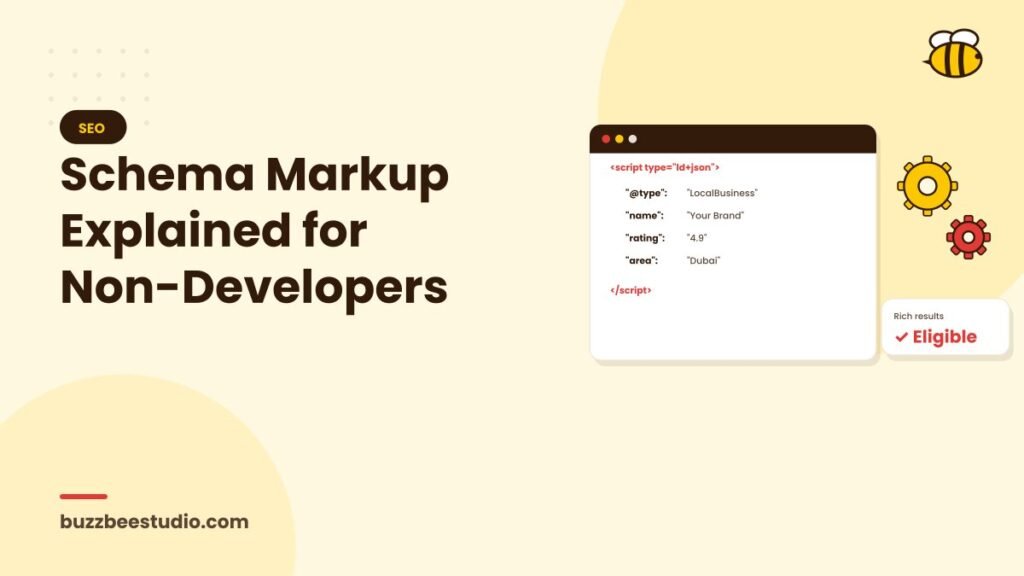
When Google reads your website, it sees text, images and code. It's very good at understanding content, but it still benefits from clear labels: "this is the business name", "this is the phone number", "these are the opening hours", "this is a review". Schema markup provides those labels. It's a type of structured data that describes your content in a standard format search engines understand.
What schema markup does
Schema markup helps search engines:
- Understand exactly what your page is about.
- Connect information about your business, such as name, address, services and reviews.
- Show enhanced search results, called rich results, for some types of content.
Rich results might include star ratings for products, event dates, recipe details, video thumbnails or breadcrumb trails. Google decides when to show them; markup makes your page eligible but doesn't guarantee it.
Does schema help rankings?
Schema isn't a direct ranking boost in itself. But it can:
- Help Google understand and categorise your content correctly.
- Make your results more visible and attractive, improving clicks.
- Support local SEO by confirming business details.
- Make your content easier for AI search tools to interpret.
Useful schema types for small businesses
LocalBusiness (and specific subtypes)
Describes your business: name, address, phone, opening hours, geo-coordinates, website, logo and social profiles. There are subtypes for many industries, such as Dentist, Restaurant, Plumber, RealEstateAgent and more. Choose the most specific one that fits.
Organization
Describes your company more generally, including logo, contact points and social profiles. Useful on your homepage or about page.
Service
Describes a specific service, its provider and the area served.
Product
For e-commerce: product name, image, price, availability and reviews. Can make products eligible for rich results in search and shopping features.
Review and AggregateRating
Marks up genuine reviews and ratings. Google has rules about which reviews qualify; self-serving reviews of your own business on your own site generally aren't eligible for star snippets.
FAQPage
Marks up frequently asked questions. Google now shows FAQ rich results only for a limited set of well-known, authoritative sites, but the markup can still help search engines understand your content.
BreadcrumbList
Shows the page's position in your site structure, which can appear in search results as a breadcrumb trail.
Article and BlogPosting
Describes blog posts, including headline, author, date and image.
Event
For events, workshops or webinars: date, location, price and organiser.
VideoObject
Helps your videos appear with thumbnails and key moments.
How schema is added
Schema is usually written in a format called JSON-LD, a small block of code placed in the page. You don't necessarily need to write it yourself:
- WordPress SEO plugins, such as Yoast or Rank Math, add common schema automatically and let you configure business details.
- Website builders often include basic structured data.
- Schema generators online can create code you paste into your site.
- Google Tag Manager can inject schema, although adding it directly to the page is generally more reliable.
- Developers can implement custom schema for more complex needs.
Best practices
- Only mark up visible content. Schema should describe what users can see on the page.
- Be accurate. Don't add fake reviews, wrong prices or misleading information.
- Keep it consistent with your Google Business Profile and other listings.
- Use the most specific types that apply.
- Update it when details change, such as hours, prices or phone numbers.
Misleading structured data can lead to manual actions from Google, removing your eligibility for rich results.
Testing your schema
Use these free tools:
- Google's Rich Results Test: checks whether your page is eligible for rich results and highlights errors.
- Schema Markup Validator: checks schema syntax more generally.
- Google Search Console: reports on structured data across your site, including errors and valid items.
A simple starting plan
- Add LocalBusiness or Organization schema to your homepage or contact page.
- Add BreadcrumbList schema across the site, usually handled by your SEO plugin.
- Add Article schema to blog posts.
- Add Product schema to product pages if you sell online.
- Add Event or Video schema where relevant.
- Test everything and monitor Search Console.
Common mistakes
- Marking up content that isn't visible on the page.
- Copying schema from another site without updating details.
- Using generic types when specific ones exist.
- Forgetting to update hours or phone numbers.
- Adding review markup that breaks Google's guidelines.
Final thoughts
Schema markup is a way of speaking search engines' language. It won't replace good content or strong SEO, but it helps search engines understand your business clearly and can make your results more eye-catching. With modern tools, most businesses can add the essentials without writing code.
Buzz Bee Studio adds and tests schema markup as part of our technical SEO service. Contact us to make sure Google understands your business.